

SaaS Cross Connect Inventory Management for Data Center Operators
DOCUMENT EVERY HOP
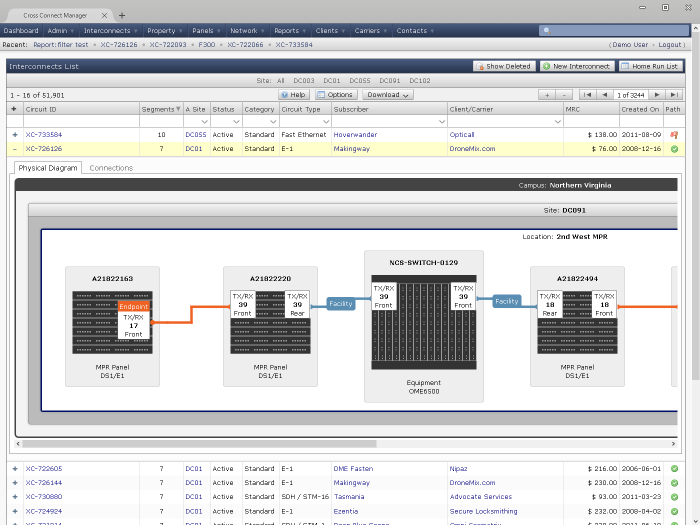
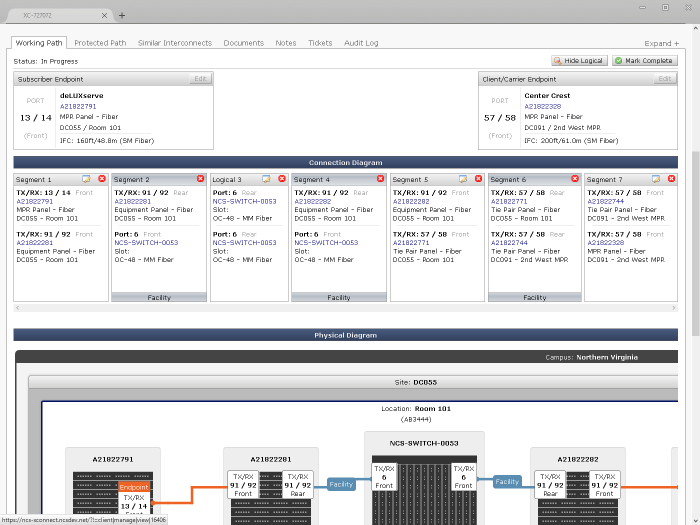
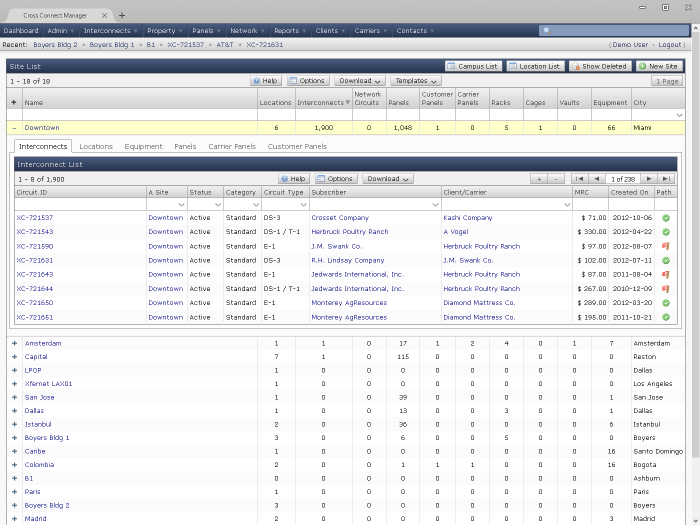
Build connections between panels and equipment to document the entire path of a cross connect through the data center, or even between data centers.
CONNECT YOUR CUSTOMERS
Cross connects can represent a connection between two customers or between a customer and a carrier.
INFRASTRUCTURE CAPACITY
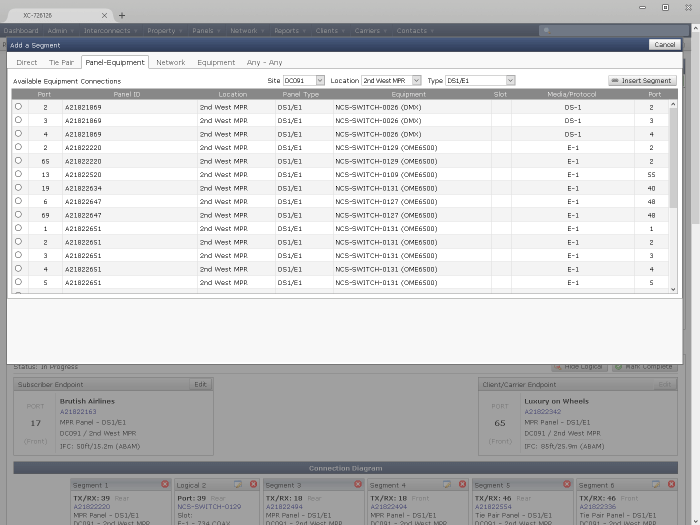
Predefine existing infrastructure connections (like room-to-room) and use those connections, and new ones, to build the path of a cross connect.
ROOM LAYOUT
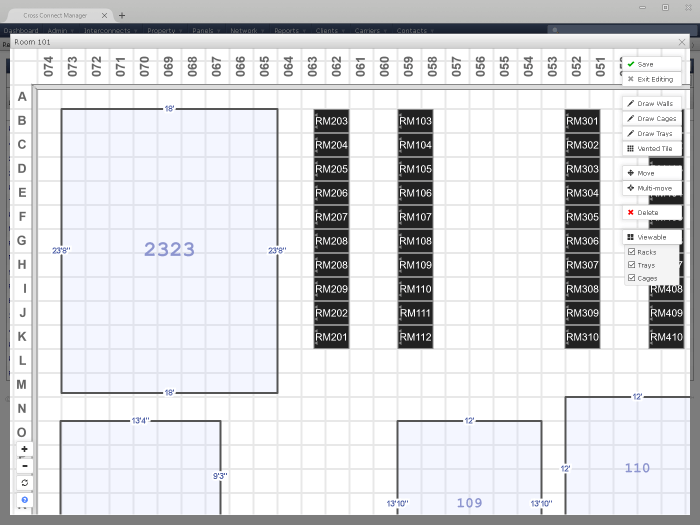
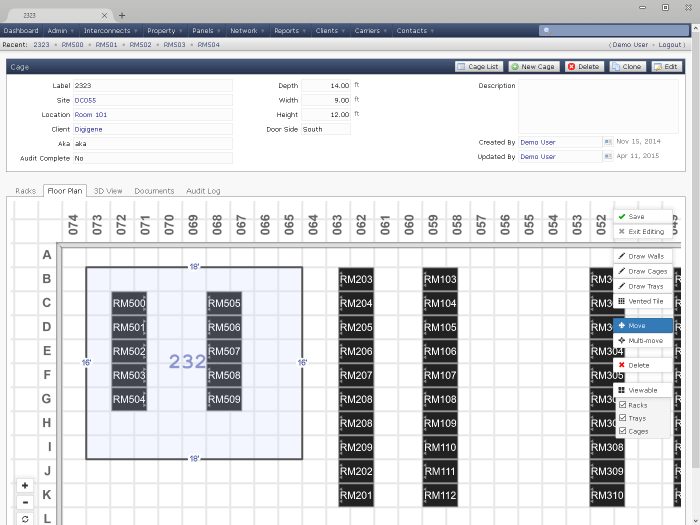
Use the floorplan editor to position cages and racks in a flexible room layout. All browser based, not special plugins required.
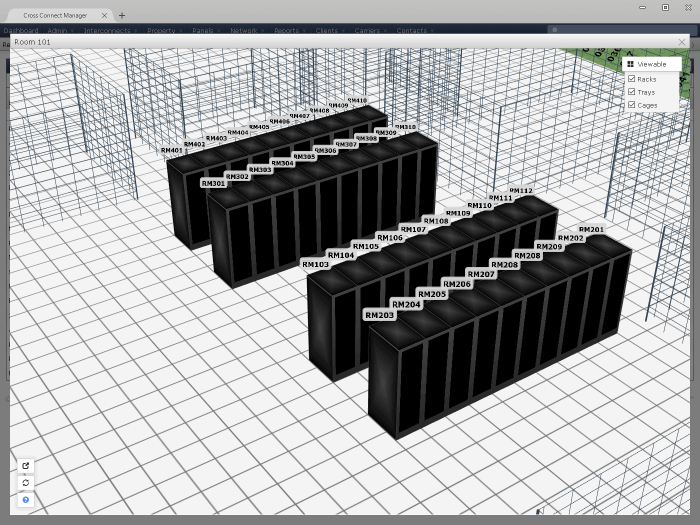
A NEW ANGLE
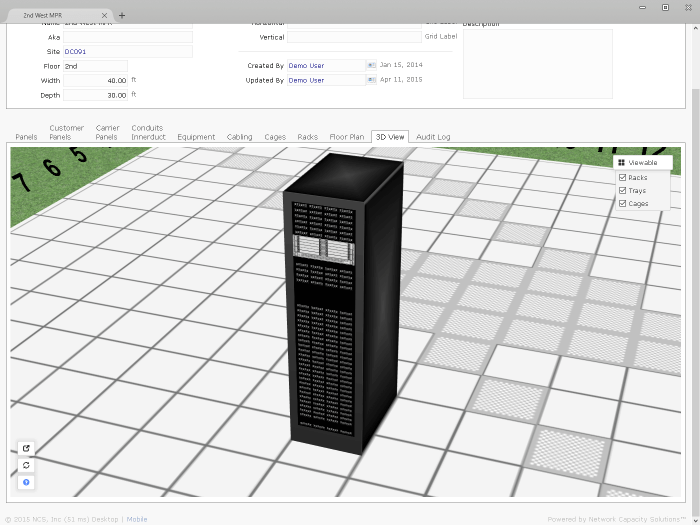
View a 3D version of a floorplan directly in your browser, even on tablets.
SITES AND CAMPUSES
The application allows you to organize your data center space by campus, site/building, and location/room.
CAGE INVENTORY
Create an inventory of cages, and define their size, shape, location, and customer ownership.
RACK INVENTORY
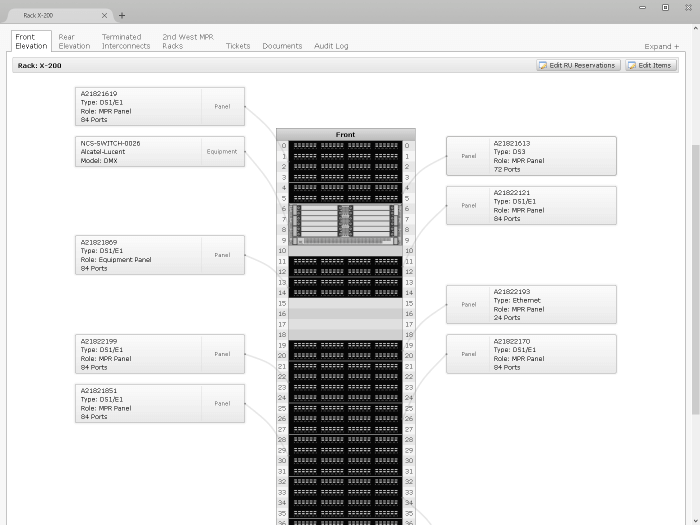
Use the rack library to predefine types of racks. After creating a rack, you can position network equipment and patch panels.
ACCURATE IMAGING
In 3D views, the racks are accurately represented based on the items they contain.
PATCH PANELS
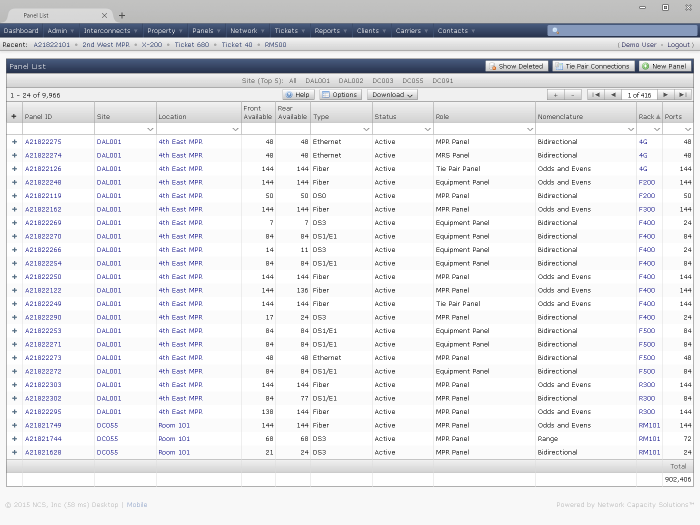
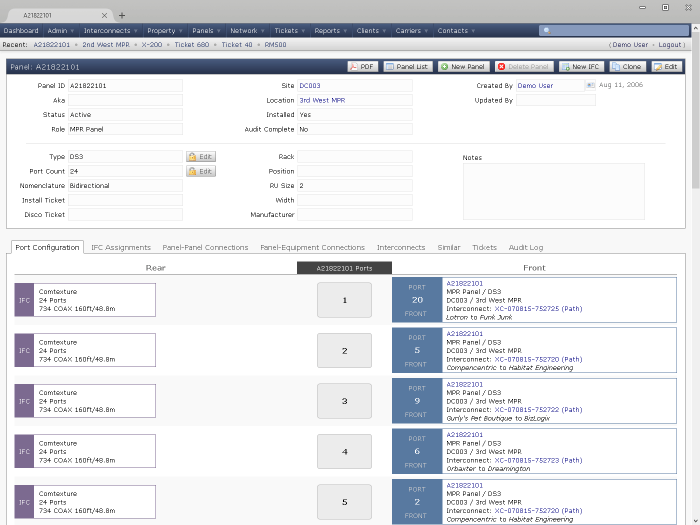
Create an inventory of every patch panel and port in the data center, along with rules for guiding connections.
PORT LEVEL DETAIL
Panels can be any type and role, with any port labeling scheme. All the parameters are controlled by the user.
CUSTOMER RESERVATIONS
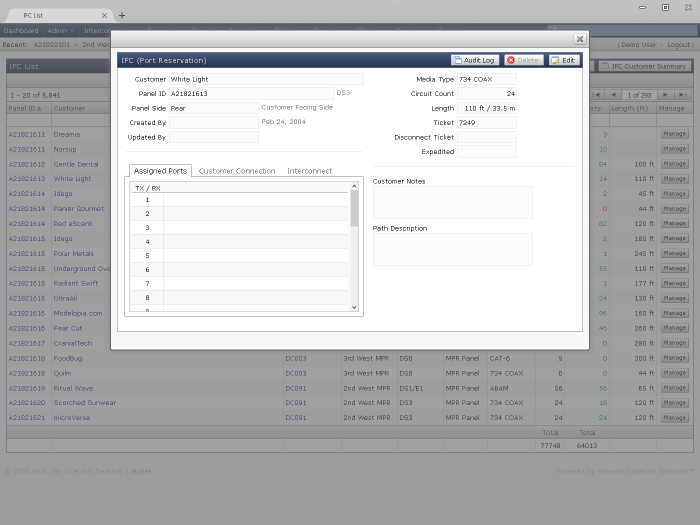
Data center operators often reserve ports for customers in a meet-me-room, and now those reservations can be tracked.
Powerful and Flexible Reports
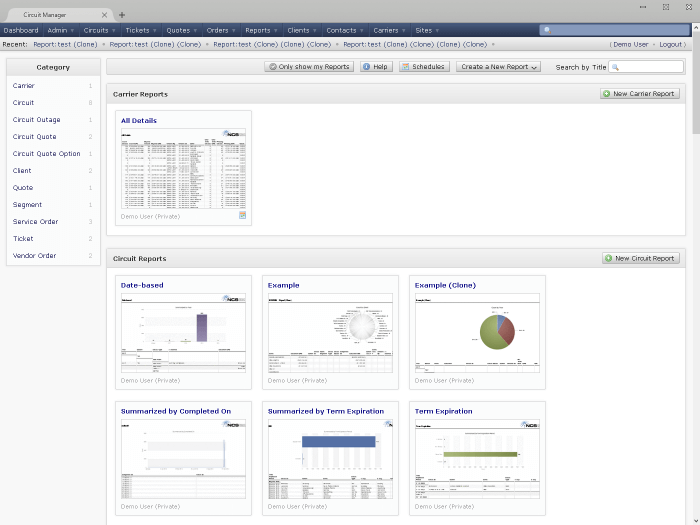
Report Dashboard
The report dashboard displays thumbnails of all reports
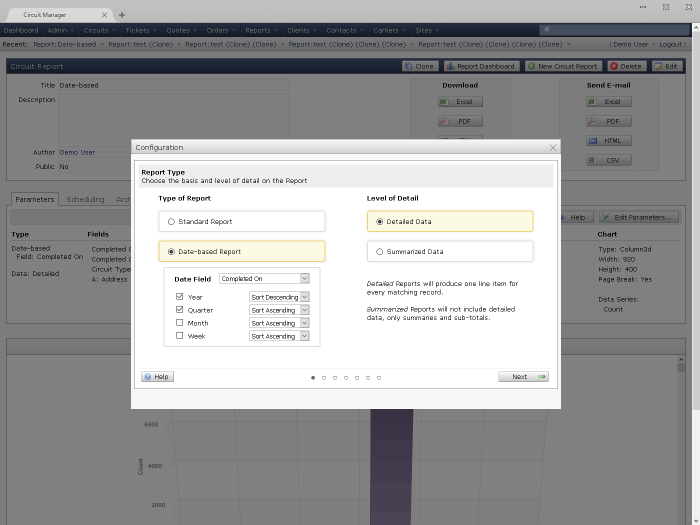
Report Wizard
Step through a wizard to create a new adhoc report
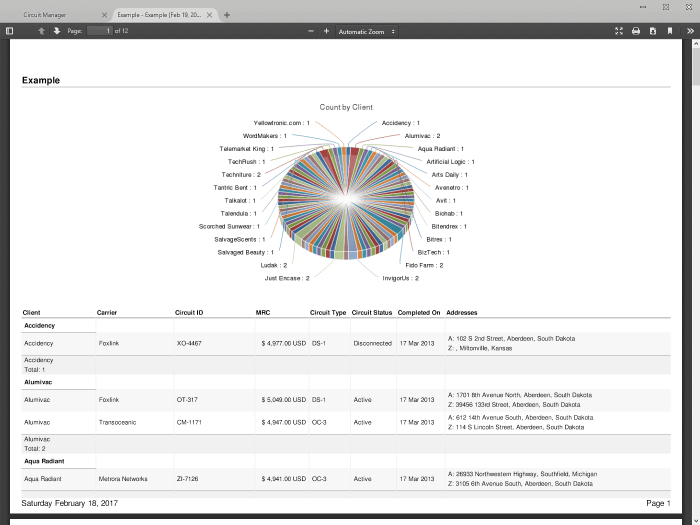
Variety of Formats
Download reports in Excel, PDF, CSV, or HTML format
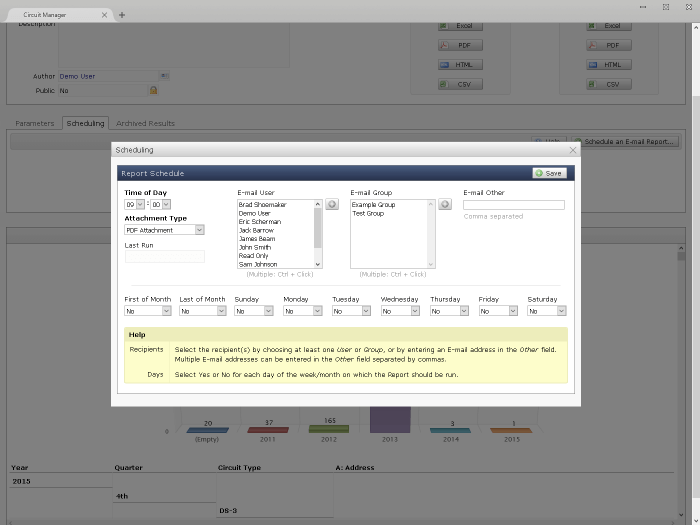
Scheduling
Schedule E-mail delivery of reports on a recurring basis
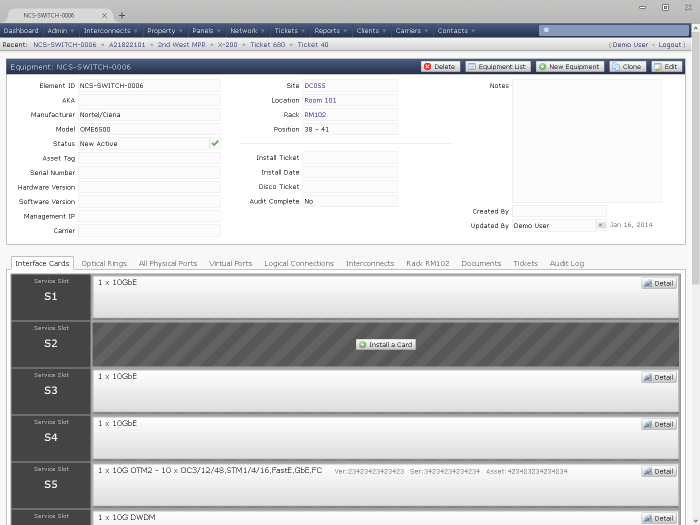
NETWORK EQUIPMENT
Create an inventory of all the network equipment in the data center.
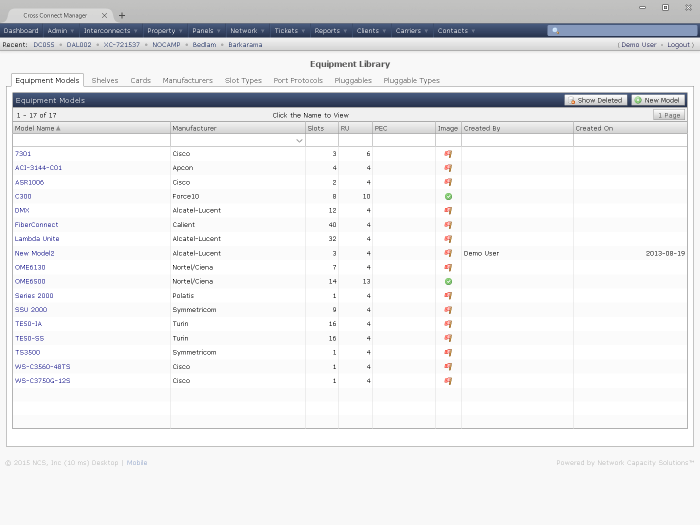
EQUIPMENT LIBRARY
Build a library of different types of equipment and interface cards with port level detail.
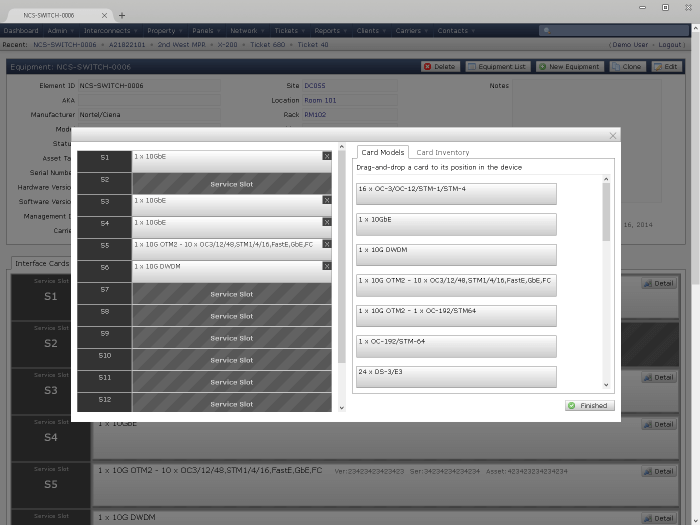
INTERFACE CARDS
Install interface cards in equipment with an easy to use drag-n-drop interface. Keep in inventory of spares as well.
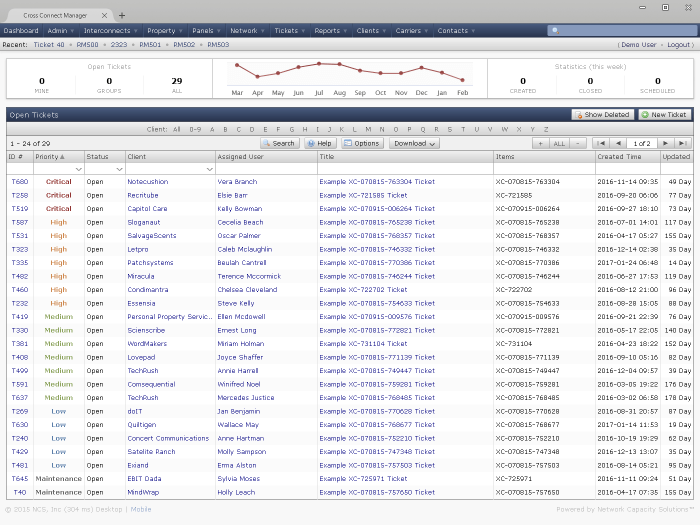
RESOLVE ISSUES
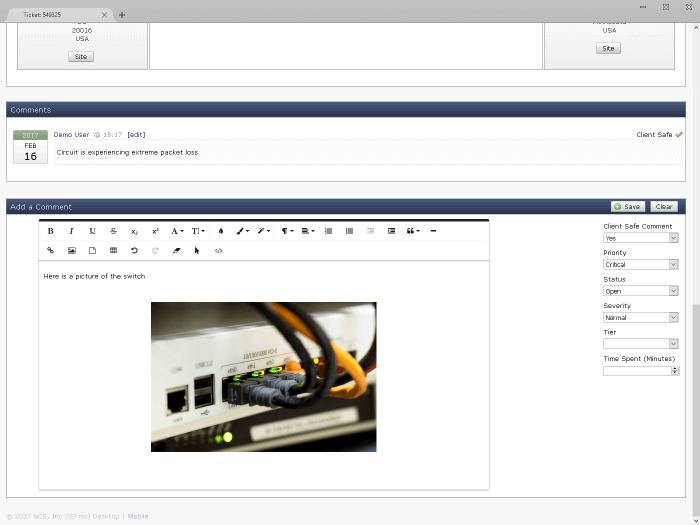
Use the trouble ticket feature to track customer issues related to circuits and document outages.
STORE RELEVANT DATA
Upload documents and use the rich text editor to record the complete story.
CALENDAR
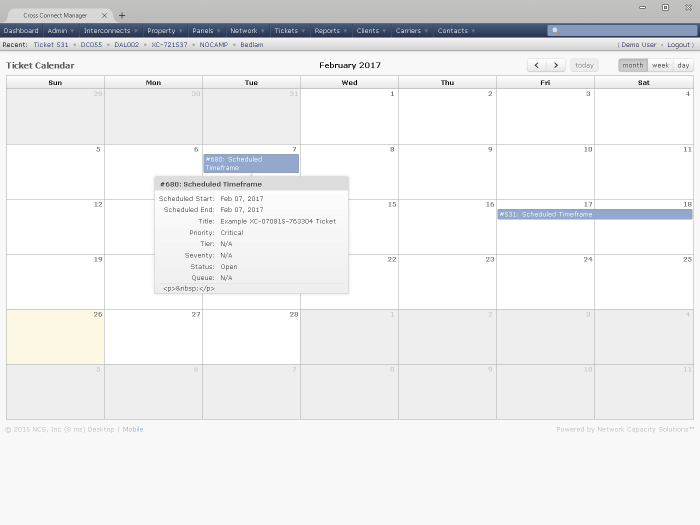
Schedule tickets in a calendar.
DASHBOARD
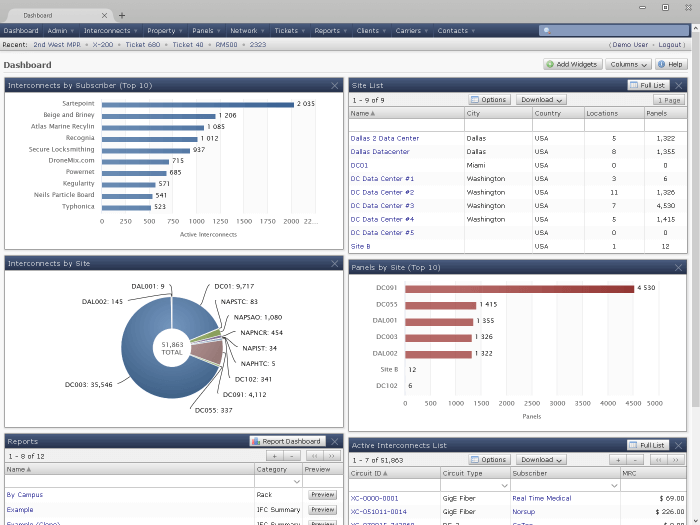
Stay on top of all your circuit related activities by using a variety of widgets on a user-customizable dashboard.
Widgets include:
- Interconnects by Site
- Equipment List
- Site List
- Rack List
- Trouble Tickets
- Cage List
- Panel List
- Sites
- Contacts
- Reports
- Many more...
Access Control
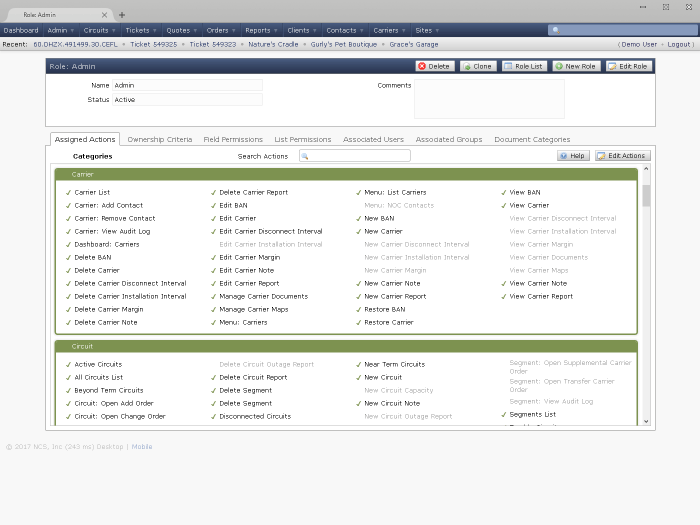
Use roles to assign granular permissions to users and groups
Documents
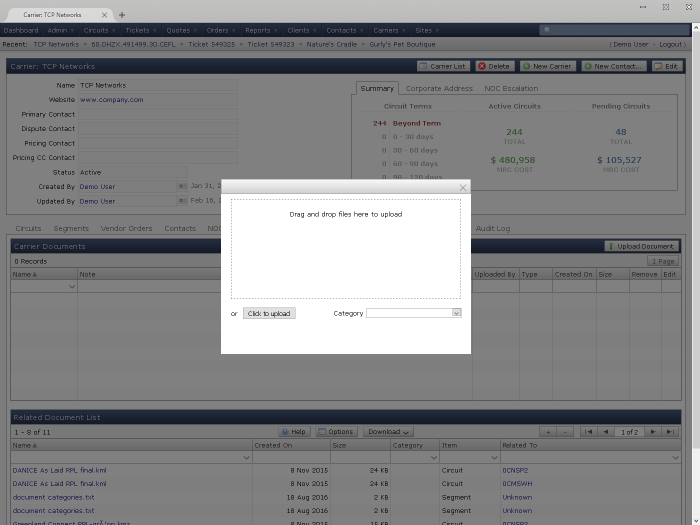
Attach documents of any type
Audit Log
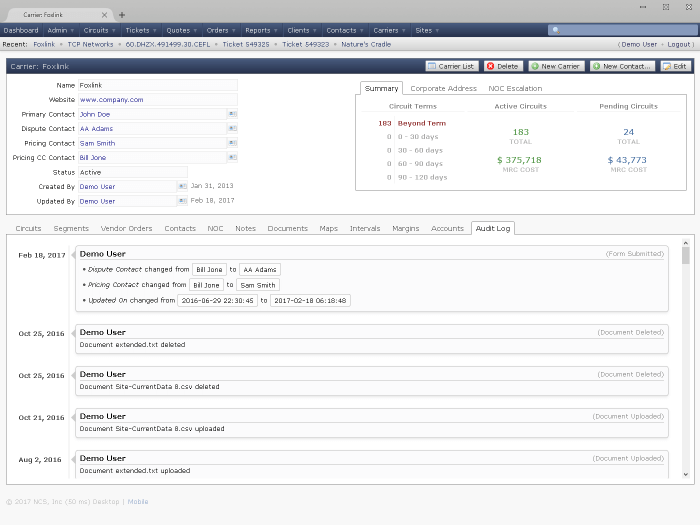
Track changes with comprehensive audit logging
Multiple Currencies
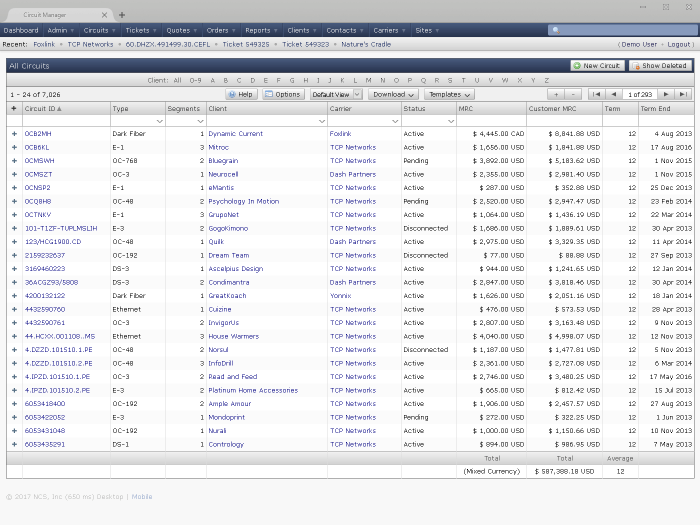
Enjoy multiple currency support, including on-demand conversion
Template Processing
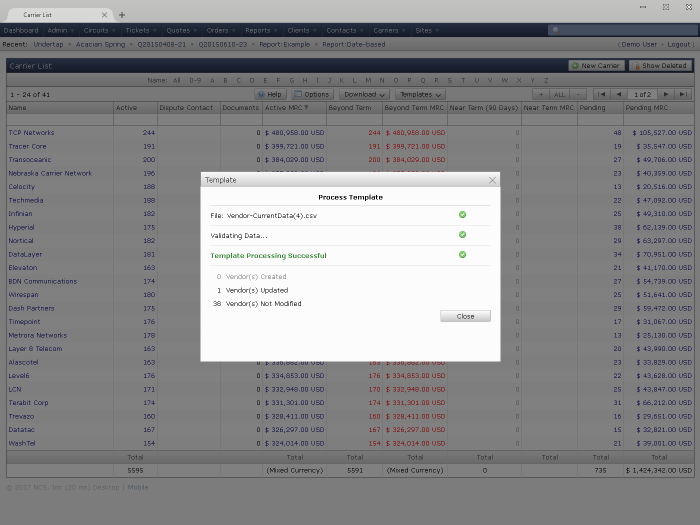
Upload and update information via spreadsheet-based templates
Customized Views
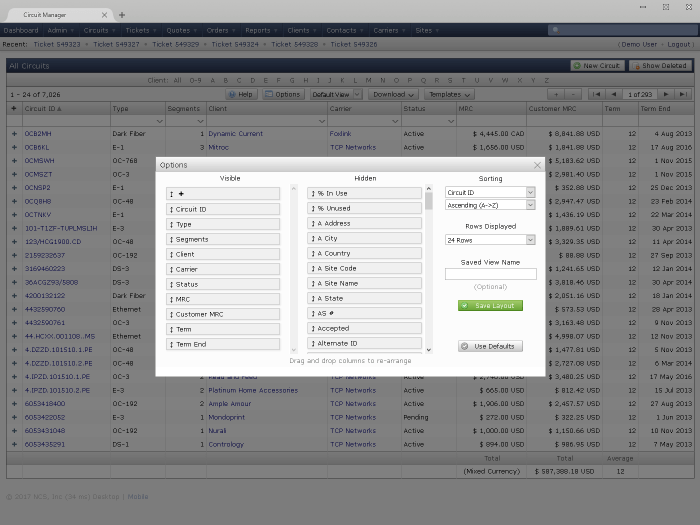
Each user can customize every list view to their preference
Search Everything
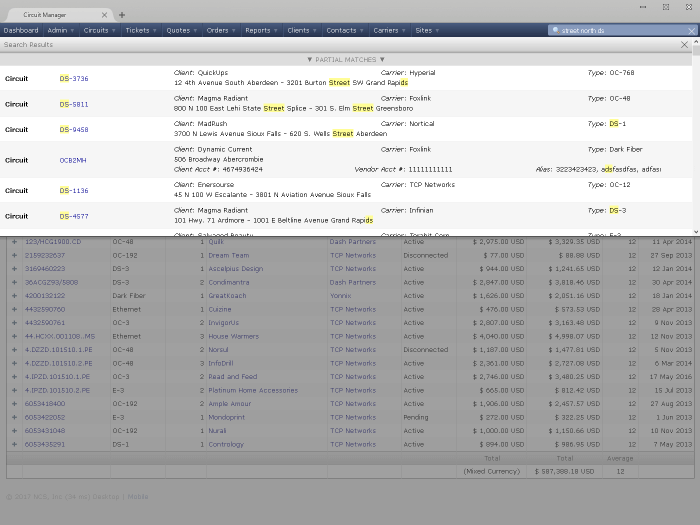
Use the universal search to find information quickly